
"Free virtual staging" is one of the most common things people search for, and it is a fair thing to want. Before spending anything, it is reasonable to ask how far free gets you. The honest answer: free can be genuinely useful for trying the idea out or for a room or two, but it usually comes with strings that matter once you are staging a listing you are actually trying to sell. Here is what the free routes are, what they cost you in ways that are not money, and when free is the right call.
The free routes that actually exist
Free trials of paid tools. This is the best free option by a distance. Most professional tools, SecondLight included, let you stage a handful of photos before you pay anything. You get the real engine and real quality, just capped by a trial limit. If you want to test whether virtual staging is worth it, this is the way to do it.
Free tiers and freemium tools. Some tools have a permanent free tier. In exchange, the output is usually watermarked, capped at a lower resolution, or limited to a few generations a month. Fine for a look; a problem for a live listing, for reasons below.
Doing it yourself. You can composite furniture into a photo by hand in an editor like Photoshop or Canva, dragging in cut-out furniture images and blending them. It is free if you already have the software and the skill, and slow if you do not. Getting the perspective, lighting, and shadows right by hand is genuinely hard, which is the whole reason AI tools exist.
Generic AI image generators. General-purpose image models can add furniture to a room if you prompt them. They are not built for staging, so they tend to redraw the architecture, move windows, or invent a different room rather than furnishing the exact one you photographed. For a listing, changing the actual room is a non-starter.
What free usually costs you
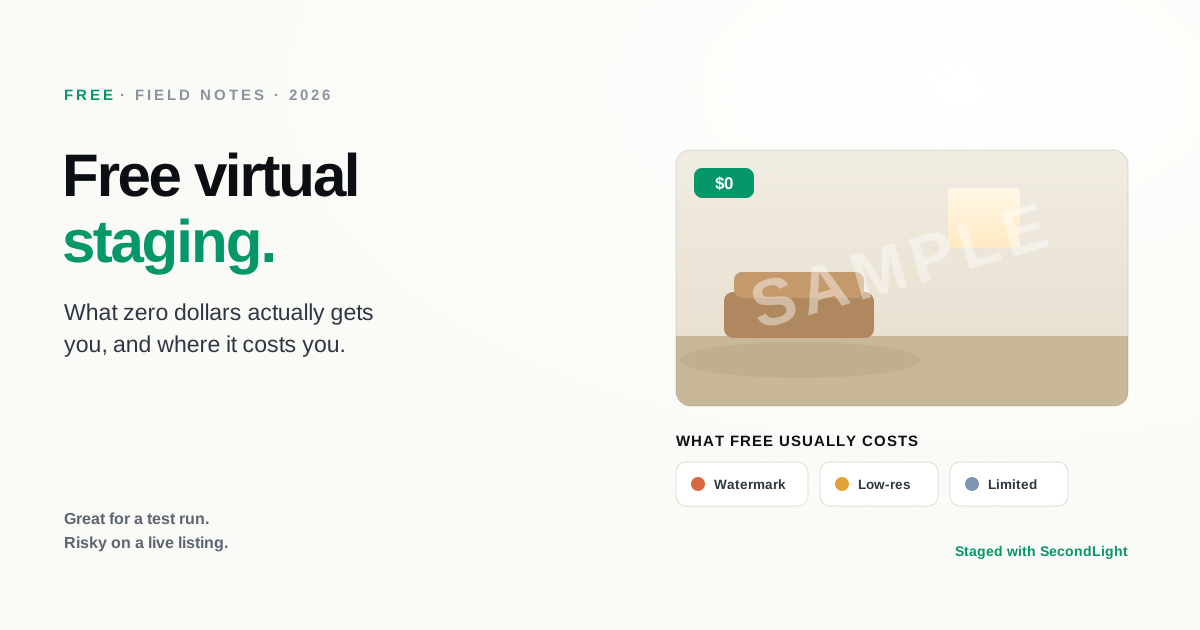
The price of free shows up in five places:
- Watermarks. A logo stamped across the image is fine for a preview and unusable on the MLS. Removing it is what the paid tier is for.
- Low resolution. Free output is often small. That is a problem because listing photos need real resolution to look sharp on a large screen and to meet MLS and print requirements.
- Weak room understanding. The hardest part of staging is scale, grounding, and leaving the architecture untouched. Cheaper or general-purpose tools are where furniture floats, sizes go wrong, and walls warp. Those are the exact signs of bad AI staging buyers pick up on.
- Inconsistency across a listing. A listing should look like one home. Free tools with per-image limits push you toward mixing styles and looks room to room, which reads as incoherent even when each photo is fine on its own.
- Your time. DIY is free in dollars and expensive in hours. On a full listing, that time is usually worth more than the small per-photo cost of a tool that does it in seconds.
When free is genuinely fine
Free is the right call more often than tool vendors admit:
- You are testing the idea and want to see a before and after on your own photo.
- You are staging one room for a personal project, not a marketed listing.
- The image is for something other than a listing: a mood board, a renovation plan, a social post where a watermark does not matter.
For any of these, grab a free trial or a free tier, stage your photo, and you are done. There is no reason to pay for a one-off.
When free stops being free
The moment the photo is going on a listing you are trying to sell, the calculus flips. A watermarked, low-resolution, slightly-wrong staged photo can do more harm than an honest empty room, because it signals corner-cutting on the most important image in the set. The ROI on staging comes from the photo doing its job well, and a compromised free output undercuts exactly that.
The good news is that professional virtual staging is not expensive. It runs a small amount per photo, with no furniture to rent and no watermark. The realistic path is to use free to decide whether staging is for you, then move to a paid tier once it is going on a real listing.
Disclosure still applies, free or paid
Whichever route you take, a virtually staged photo has to be labeled as virtually staged where your MLS requires it, and you never edit the actual structure of the property. Free does not change that. Our disclosure rules guide covers where the line sits.
The bottom line
Free virtual staging is real and useful, but "free" usually means a watermark, lower resolution, and less reliable results, which is exactly what you cannot afford on a listing photo. Use a free trial to prove the value on your own photos, then step up to a paid tier when the image is going live.
SecondLight lets you try it free, then stages every room type and style with revisions that do not cost extra and no watermark on paid plans. Start with your own photo and see the before and after for yourself.
About
Written by SecondLight Team. Issue Nº 019 of Field Notes.
Read next
Back to archive
All Field Notes