
Good AI virtual staging is invisible. The room looks furnished, a buyer pictures living there, and nobody stops to wonder whether the sofa was ever real. Bad AI staging is the opposite: something feels off, the buyer's trust dips, and in the worst cases the photo misrepresents the actual property. The difference usually comes down to the quality of the underlying model, and it shows up in a handful of repeatable tells.
Here are seven signs of bad AI virtual staging, what causes each one, and how to check for it before a flawed image ends up on the MLS.
1. Furniture that floats or sinks into the floor
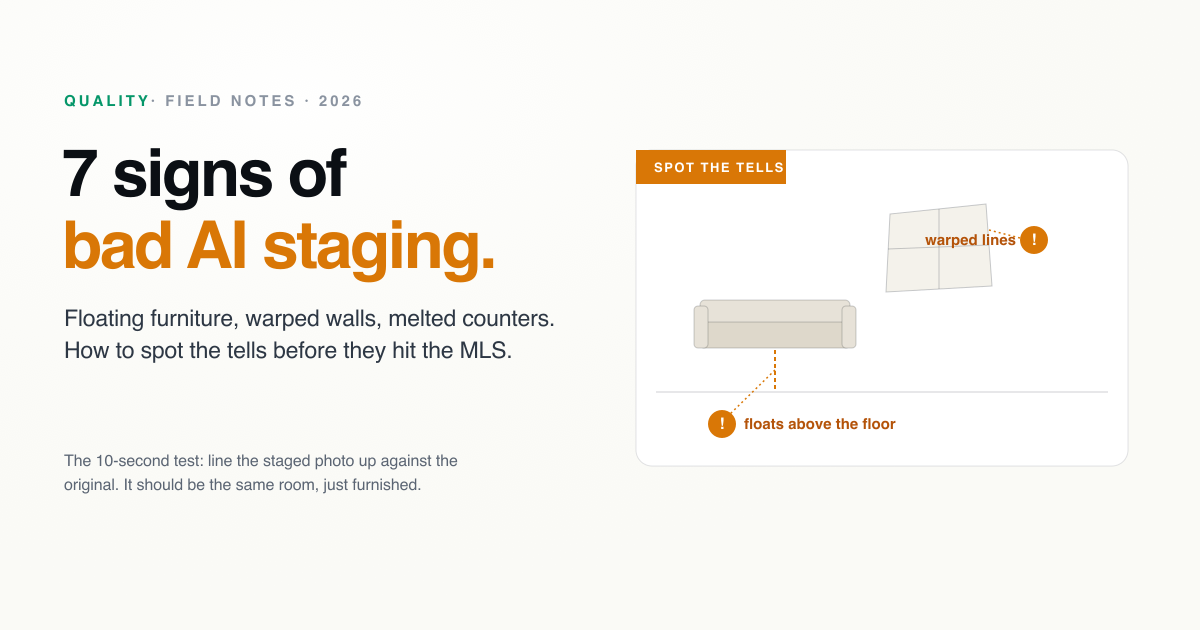
The most common giveaway. A sofa hovering an inch above the floor, or table legs that disappear into it, means the model didn't understand where the ground plane actually is. Real furniture makes contact and casts a small contact shadow where it meets the floor. When that contact is missing, the eye reads the piece as pasted on even if it can't say why.
How to check: look at where each piece meets the floor. Legs should land, and there should be a soft shadow at the point of contact.
2. Warped walls, windows, and door frames
This is the serious one, because it changes the actual structure of the room. Weaker models treat the whole image as repaintable, so as they add furniture they also bend straight lines: walls bow, window and door frames go crooked, and the corners of the room stop being square. Beyond looking wrong, it risks misrepresenting the property, which is exactly what disclosure rules exist to prevent.
How to check: line the staged image up against the original and trace the walls, window frames, and door edges. They should be identical. If the architecture moved, reject the image.
3. Lighting and shadows that don't match the room
The furniture should be lit by the same light the photo already has. When staged pieces cast shadows in a different direction from the room's real shadows, or a lamp glows without affecting anything around it, the model added furniture without reading the scene's light. It's subtle, but buyers feel the wrongness before they spot it.
How to check: find the window or main light source, then confirm every added shadow falls away from it, consistently.
4. Furniture at the wrong scale
A king bed that looks like a twin, or a coffee table the size of a dining table, means the model misjudged the room's dimensions. Wrong scale doesn't just look odd, it actively misleads buyers about how much space the room has, which is one of the fastest ways to lose trust at the showing.
How to check: sanity-check each piece against the room. Does the bed leave believable walking space? Does the sofa fit the wall it's against?
5. Melted or mangled hard surfaces
Soft furnishings hide a lot of model weakness, but hard surfaces expose it. Cabinetry with doors that don't line up, countertops that ripple, molding that dissolves, and blurred or smeared trim are all signs the model couldn't hold crisp geometry. Kitchens and bathrooms are where this shows up most, which is why weaker tools quietly fall apart outside the easy living-room shot.
How to check: zoom into cabinets, counters, trim, and molding. Straight edges should stay straight and crisp.
6. Duplicated, missing, or nonsensical objects
Look closely and bad staging often reveals small impossibilities: a sofa with three armrests, a chair with an extra leg, two rugs bleeding into each other, or a picture frame containing another picture frame. These are the model repeating patterns it doesn't fully understand.
How to check: count legs, arms, and cushions, and scan for anything repeated or fused that shouldn't be.
7. Furniture that ignores the room's function
Sometimes everything is rendered cleanly but placed nonsensically: a bed blocking the only door, a sofa in front of a window it covers entirely, or a dining set crammed into a walkway. A staged room should still work as a room. Furniture that blocks doors, windows, or clear circulation tells a buyer the image wasn't thought through.
How to check: ask whether you could actually live in the layout. Doors open, windows show, and there's a path through the room.
What good looks like, and how to get it
Every one of these failures traces back to the same root: a model that repaints the image instead of respecting the room it was given. Stronger tools preserve the real architecture, land furniture on the floor, match the existing light, and keep hard surfaces crisp. That difference is the single most important thing to evaluate when you choose a tool, and it's easy to miss if you only glance at whether the furniture looks nice in isolation. Our rundown of the biggest mistakes in virtual staging tech and our comparison of the popular tools both dig into which tools hold up.
The test that catches almost all of this takes ten seconds: put the staged photo next to the original and check that the room is the same room, just furnished. If you want to run that test on your own listing, upload a photo and see the result. Good staging should sit inside the real room, never reshape it.
About
Written by SecondLight Team. Issue Nº 011 of Field Notes.
Back to archive
All Field Notes