
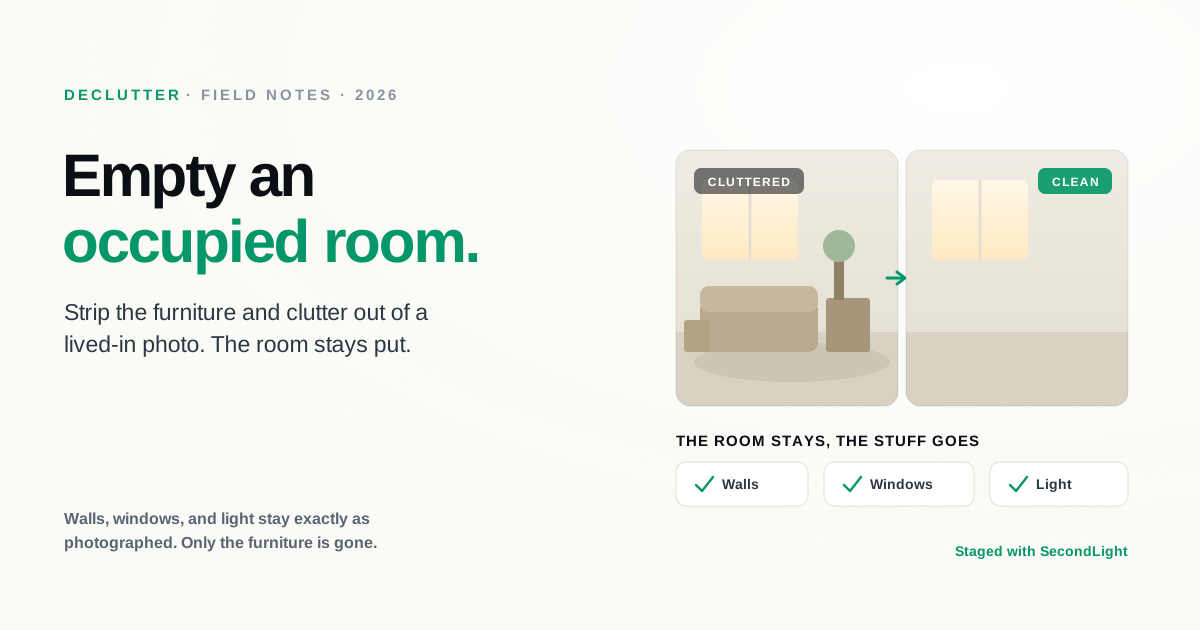
Virtual staging gets all the attention, but it solves only half the problem. Staging fills an empty room. The opposite situation is just as common and often harder to shoot around: an occupied home, a room crowded with a tenant's furniture, dated pieces that date the whole listing, or a space buried under everyday clutter. You cannot always ask people to move out for the photos. Decluttering does it digitally, stripping the contents out of a photo while leaving the room itself exactly as it was.
What AI decluttering does
Decluttering is the inverse of staging. Instead of adding furniture to an empty room, it removes furniture, clutter, and personal items from a full one. The important part is what it leaves alone: the walls, the windows, the flooring, and the light stay exactly as photographed. Only the contents are gone. Done well, the result looks like the same room shot empty on a different day, not like a composite.
That distinction matters because the room is the product. A buyer is deciding on the space, its proportions, its light, its finishes, and clutter gets in the way of seeing any of that.
When to use it
Decluttering earns its place in a handful of common situations:
- The home is occupied. A tenant or owner in place, with no realistic way to clear the room before the shoot.
- The furniture is dated or mismatched. Pieces that make a good house feel older or smaller than it is.
- The room is cluttered or personal. Everyday mess, or family photos and belongings you would rather not put in front of every buyer online.
- You want to re-stage. Emptying the room first is the natural setup for staging it fresh in a style that flatters the space.
That last one is the quiet power move. Declutter to empty the room, then stage it back with furniture that fits the listing. You get a clean, cohesive result from a photo that started as someone else's cluttered living room.
The quality bar
The hard part of decluttering is not deleting the furniture, it is convincingly rebuilding what was behind it. When a sofa disappears, the tool has to reconstruct the floor, the baseboard, and the wall it was covering. A weak tool leaves the tells: smudged patches where furniture used to be, a warped baseboard, a shadow with nothing casting it, a rug outline still faintly on the floor. Those are the same failure signs we cover in the signs of bad AI editing, and they are what separate a declutter you can list with from one you can't. The test is simple: if a buyer standing in the room would notice something is off, so will they in the photo.
Keeping it honest
Removing a room's contents is, in disclosure terms, usually the easy case. Taking out the current owner's furniture, clutter, and belongings changes how the room is dressed, not what the room is, which is the same principle that makes virtual staging acceptable. The line is the same one that governs all listing edits: never remove or hide a defect. Decluttering away a water stain, a crack, or damage is not tidying, it is misrepresentation. Clear the belongings, leave the truth of the property intact, and label the photo as edited where your MLS expects it. Our disclosure rules guide covers where that line sits.
The bottom line
An empty room is not the only thing standing between you and a clean listing photo. A full one is just as common, and decluttering is how you fix it without asking anyone to move. Strip the contents, keep the room, and stage it back if you want a fresh look, all from the photo you already have. If you're new to the category, our complete guide to virtual staging covers the rest, and you can see which plan includes decluttering whenever you're ready.
About
Written by SecondLight Team. Issue Nº 021 of Field Notes.
Read next
Back to archive
All Field Notes