
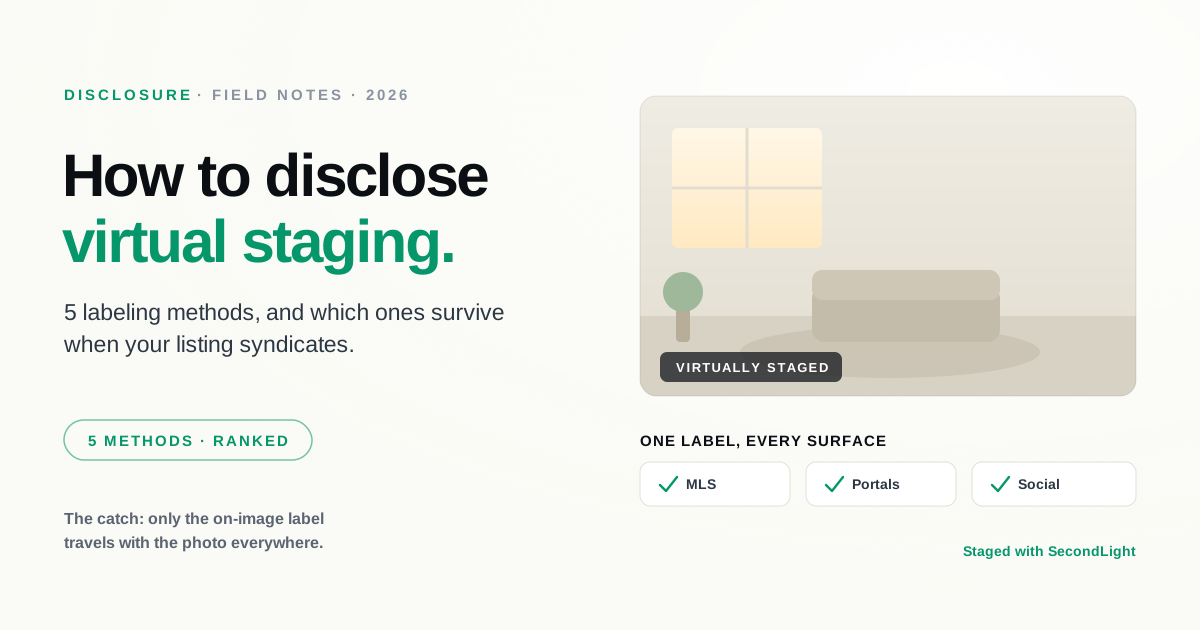
Every serious guidance on virtual staging agrees on the requirement: if a photo is virtually staged, you have to disclose it. NAR's Code of Ethics requires a true picture in your marketing, and most MLSs expect staged photos to be labeled with the original available. We cover the full set of rules in our disclosure rules guide.
This post is about the part the rules leave to you: how you actually put the label on. It matters more than it looks, because the same listing gets copied to Zillow, Realtor.com, Redfin, brokerage sites, and social feeds, and not every kind of disclosure makes that trip. A caption you typed into the MLS can be dropped or reordered by the time the listing lands on a portal. A label baked into the image travels with it everywhere. Here are the five methods, what each is good for, and how they stack up.
This is general guidance, not legal advice. MLS rules and state laws vary, so treat your local MLS policy and state regulator as the final word.
The five methods at a glance
| Method | Seen while browsing photos | Survives syndication | Effort |
|---|---|---|---|
| On-image "Virtually staged" label | Yes | Yes | Low |
| Photo caption / description | Sometimes | Not reliably | Low |
| Listing remarks note | Rarely | Sometimes | Low |
| Unaltered original on file | If the buyer looks | Depends on MLS | Medium |
| Buyer materials / agreement | No | N/A | Medium |
The pattern is the thing to notice: the method that is both always visible and syndication-proof is the on-image label. The rest are worth doing, but they work best as backup, not as your only disclosure.
1. An on-image "Virtually staged" label
A small "Virtually staged" label rendered onto the photo itself is the most durable disclosure there is. It shows up wherever the image shows up, whether that's the MLS, a portal, a screenshot a buyer texts to their partner, or a repost on Instagram. Nothing strips it, because it is part of the pixels.
The trade-off is that it sits on the image, so it has to be tasteful. The goal is a label a buyer can clearly read up close but that doesn't fight the photo: small, in a corner, semi-transparent, not a banner stamped across the sofa. Done right, it reads as professional rather than defensive.
This is the one method that satisfies the spirit of disclosure on its own, because a buyer cannot encounter the photo without also encountering the label. If you only do one thing from this list, do this one.
2. The photo caption or description field
Most MLSs give you a caption or description field per photo, and writing "Virtually staged" there is quick and unambiguous inside the MLS itself. The catch is what happens downstream. When a listing syndicates, portals reformat the feed, and per-photo captions are one of the first things that get dropped, truncated, or shuffled. A disclosure that is correct on the MLS but missing on Zillow is not doing its job for the buyer who found the home on Zillow.
Use captions, but don't rely on them as your only label. Treat them as reinforcement for the on-image label, not a replacement.
3. A note in the listing remarks
A single line in the public remarks ("Living room and primary bedroom are virtually staged") removes any ambiguity about which rooms were altered, and it is the natural place to say so in words. It is easy to add and it covers you at the listing level.
Its weakness is attention. Buyers scan photos far more than they read remarks, so a remark alone can be technically present and practically unseen. It is a strong companion to a visible label, and a weak substitute for one.
4. Keep the unaltered original available
This one is less a label than a foundation. Many MLSs expect the real, empty version of each staged room to be on file so a buyer can compare, and NAR's guidance points the same way. It is what lets a buyer confirm exactly what was added versus what the room actually contains.
Keeping originals is not optional in a lot of markets, so build it into your workflow: shoot and keep the empty room, and stage from that. It also makes your life easier when a buyer or another agent asks, because the answer is already on file. It does not, by itself, tell a casual browser that a photo was staged, which is why it pairs with, rather than replaces, a visible label.
5. Disclosure in buyer materials or the agreement
For a belt-and-suspenders layer, note virtual staging in the materials buyers actually sign or receive: the listing agreement, a disclosure form, or the property packet. This is the most durable legally and the least visible practically, since it lives in paperwork rather than on the listing. Nobody browsing photos will see it, but it documents that disclosure happened, which is exactly what you want if a question ever comes up later.
The method that actually works: layer them
Disclosure is not a single checkbox, it is defense in depth. The combination that holds up in practice is straightforward:
- A tasteful on-image "Virtually staged" label on every staged photo, so the disclosure travels with the image everywhere.
- A note in the listing remarks naming the staged rooms.
- The unaltered original of each staged room on file.
The on-image label carries the load with browsers and on portals, the remarks cover the listing in words, and the originals let anyone verify. When the local rule is unclear, disclose anyway. Over-disclosing has never cost anyone a deal.
Making the visible label effortless
The reason on-image labels used to be rare is that they were fiddly: open every export in an editor, add a text layer, keep the size and placement consistent across a whole shoot. That friction is why a lot of agents fell back to captions alone.
SecondLight removes that step. When you download a staged photo, you can toggle a "Virtually staged" disclosure and the label is rendered onto the image for you, sized to the photo and placed cleanly in the corner, single image or a whole batch at once. You get the one method that survives syndication without the manual work that made people skip it. If you want the compliance foundation behind all of this, start with the disclosure rules guide, and you can try staging a listing whenever you're ready.
About
Written by SecondLight Team. Issue Nº 017 of Field Notes.
Read next
Back to archive
All Field Notes