
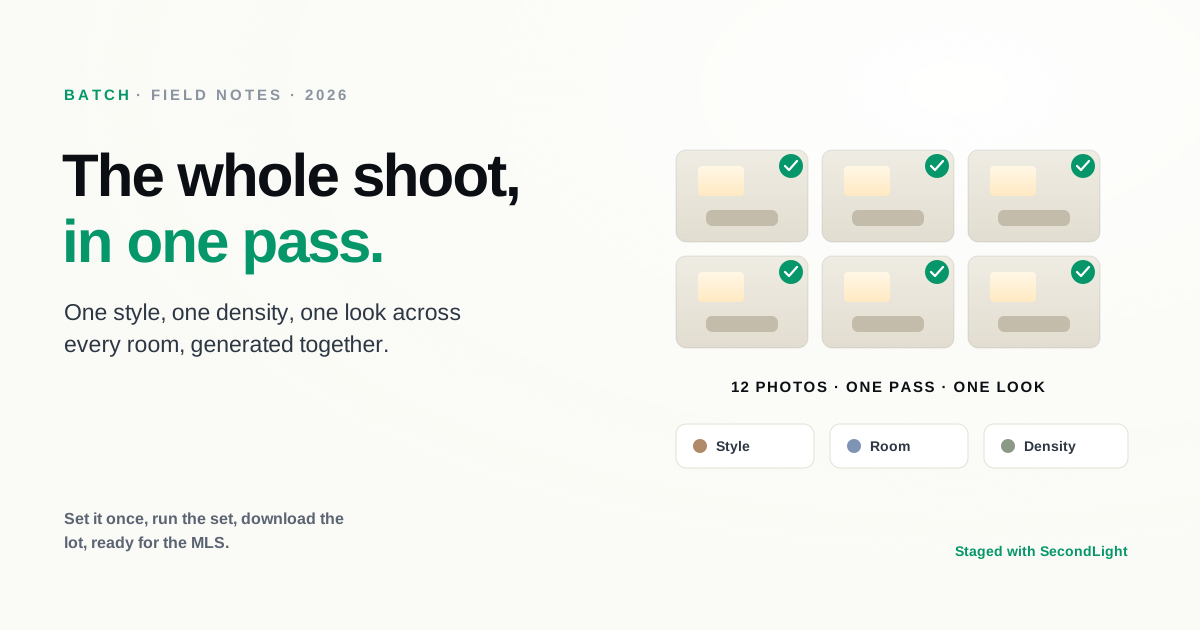
Staging a single photo is quick. Staging a whole listing is not, at least not one photo at a time. A typical listing is eight to fifteen rooms, and a busy photographer or agent is turning around several listings a week. Doing that room by room, re-picking the style and density for each one, is where the time goes and where the look starts to drift. Batch staging fixes both problems: it runs the entire set in one pass, with the same settings applied across every photo.
What batch staging does
Instead of uploading and configuring one image at a time, you select a whole set of photos, choose how you want them handled, and run them together as a single job. You set the mode once (stage an empty room, declutter an occupied one, or convert to twilight), pick a style, a room type, and a furniture density, and the batch applies those choices across the photos. When it finishes, you review the results as a set and download them together.
The important part is not just speed, it is consistency. A listing should feel like one home, not eight rooms styled by eight different people.
Why a consistent look matters
Buyers move through listing photos in sequence, and the set reads as a whole. When the living room is mid-century modern and the primary bedroom is farmhouse and the office is something else again, the listing feels incoherent even if each individual photo looks fine. It is the visual equivalent of mismatched fonts.
Batch staging keeps the set aligned because the style and density are shared across the job rather than re-chosen per photo. You still control per-room details where they matter (a bedroom is not a living room), but the through-line stays intact. The result is a listing that looks like it was styled by one hand, because it was.
The workflow
The shape of a batch job is simple:
- Select the photos for the listing, or for several listings at once.
- Set the mode and style. Stage, declutter, or twilight; then the style, room type, and density that should carry across the set.
- Generate the whole batch in one pass instead of one at a time.
- Review as a set so you can see the listing the way a buyer will, in sequence.
- Download them together as a single archive, ready for the MLS.
What used to be a per-photo chore becomes a per-listing action. That is the difference between staging being a task you dread on a heavy week and one you barely think about.
Who it is for
Batch staging pays off most for volume. High-throughput real estate photographers delivering full listings, agents juggling several properties at once, and teams that need a repeatable look across everything they publish. If you stage the occasional single room, you may never need it. If staging is part of your weekly production line, it is the feature that makes the line move. It pairs naturally with the workflow we describe for photographers, who live and die by turnaround time.
Quality still applies
Batching does not lower the bar, it just applies the same bar to more photos at once. Every image in the set is still generated by the same model, so the quality signals to watch for are exactly the same: grounded furniture, correct scale, untouched architecture. Reviewing the batch as a set actually makes problems easier to catch, because an outlier stands out against the rest of the run.
The bottom line
The case for batch staging is not that it stages better, it is that it lets you stage a whole listing in the time it used to take to do one room, without the look drifting between photos. Set it once, run the set, download the lot. SecondLight offers batch processing on Pro, so a full shoot goes through in a single pass. If you're new to the category, our complete guide to virtual staging covers the rest, and you can see which plan includes it whenever you're ready.
About
Written by SecondLight Team. Issue Nº 020 of Field Notes.
Read next
Back to archive
All Field Notes